iFlow Inspector
Review an iFlow in seconds
The iFlow Inspector checks naming and design against rules your team agrees on, searches the iFlow or its package, and shows the deployed iFlow’s details.
Counts the distinct iFlows you use it on toward your plan: 5 without an account, then by plan.
See it in action

What it does
Naming rules
Naming rules your team agrees on, with proposed names and Rename.
Design checks with a score
Error handling, secrets in plain text, insecure protocols, script risks and more — with a score, a baseline and a report in HTML, PDF or Excel.
Search the iFlow or its package
Search the open iFlow, or every iFlow in its package at once.
Deployment and runtime details
Deployment, endpoints, Data Store entries, variables and the edit lock — with Undeploy, Unlock and Delete entry when you need them, asked first.
Related articles
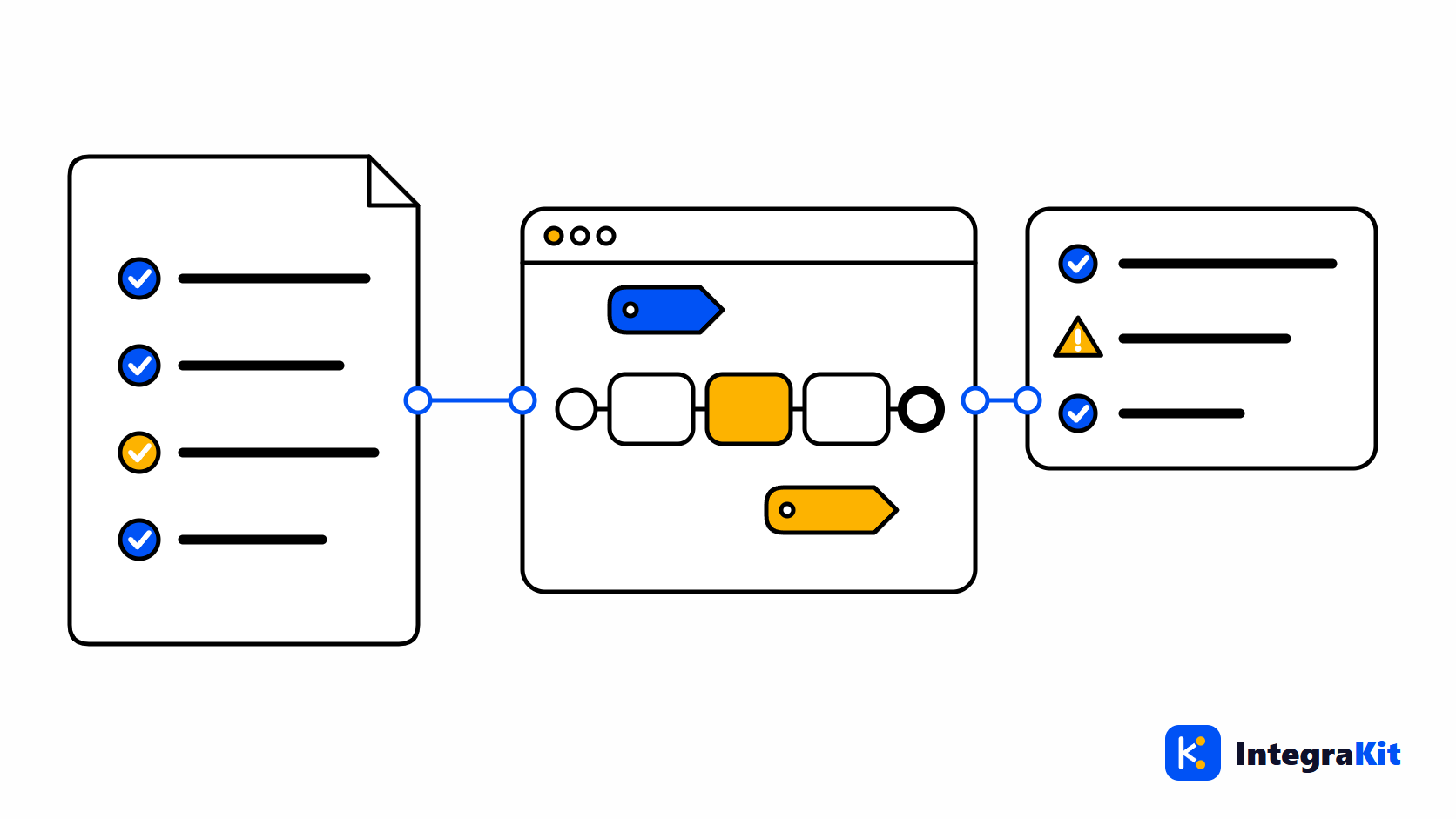
SAP CPI Naming Conventions: A Rule Pack Your Team Can Enforce
Naming conventions for SAP CPI steps, channels, properties and ProcessDirect addresses, written as a rule pack your team shares, and how to check every iFlow against it.
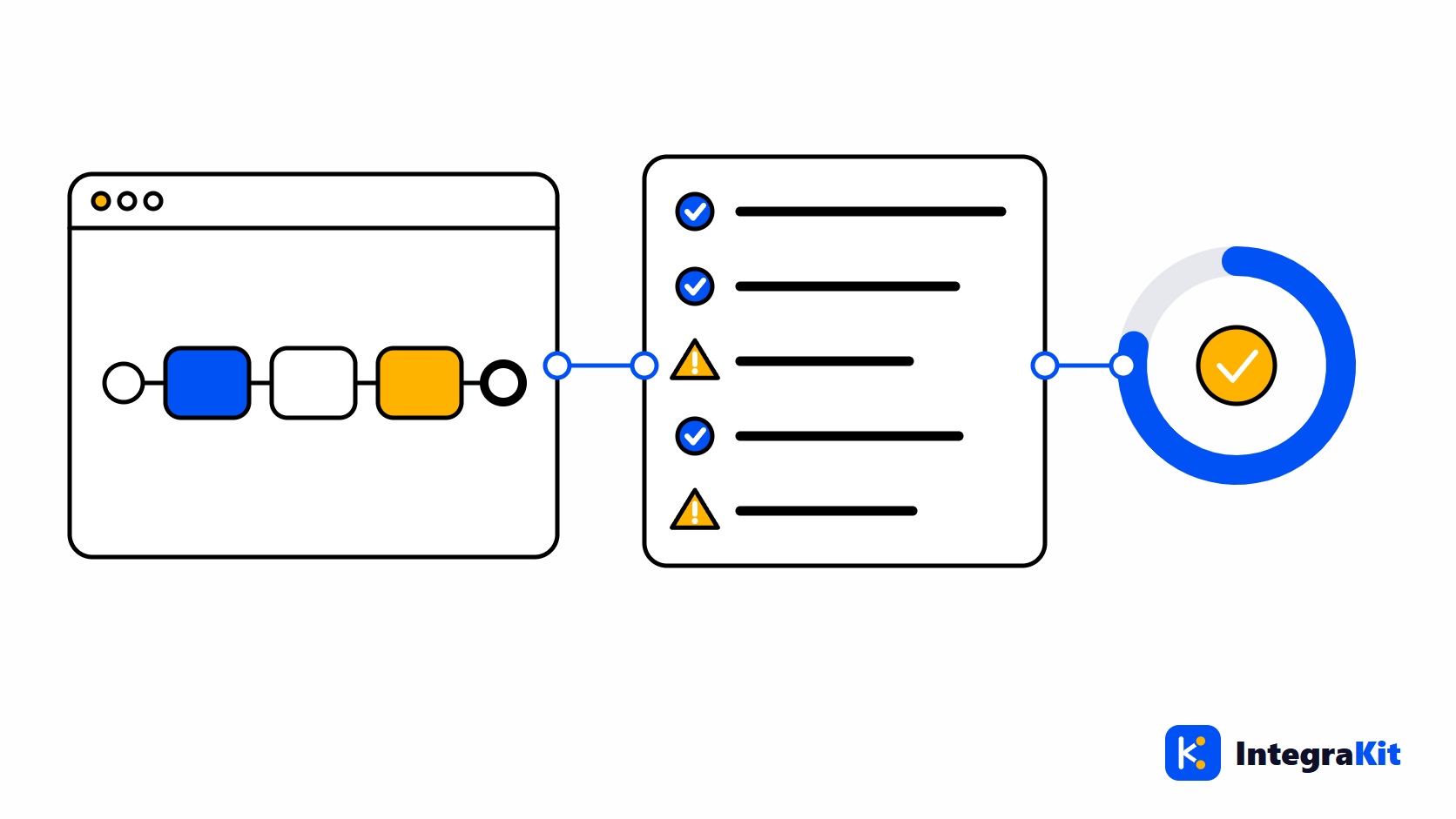
An SAP CPI iFlow Review Checklist, and How to Automate It
A practical SAP CPI iFlow review checklist: error handling, log levels, secrets, protocols, scripts and structure, and how to run it automatically with a score and a report.
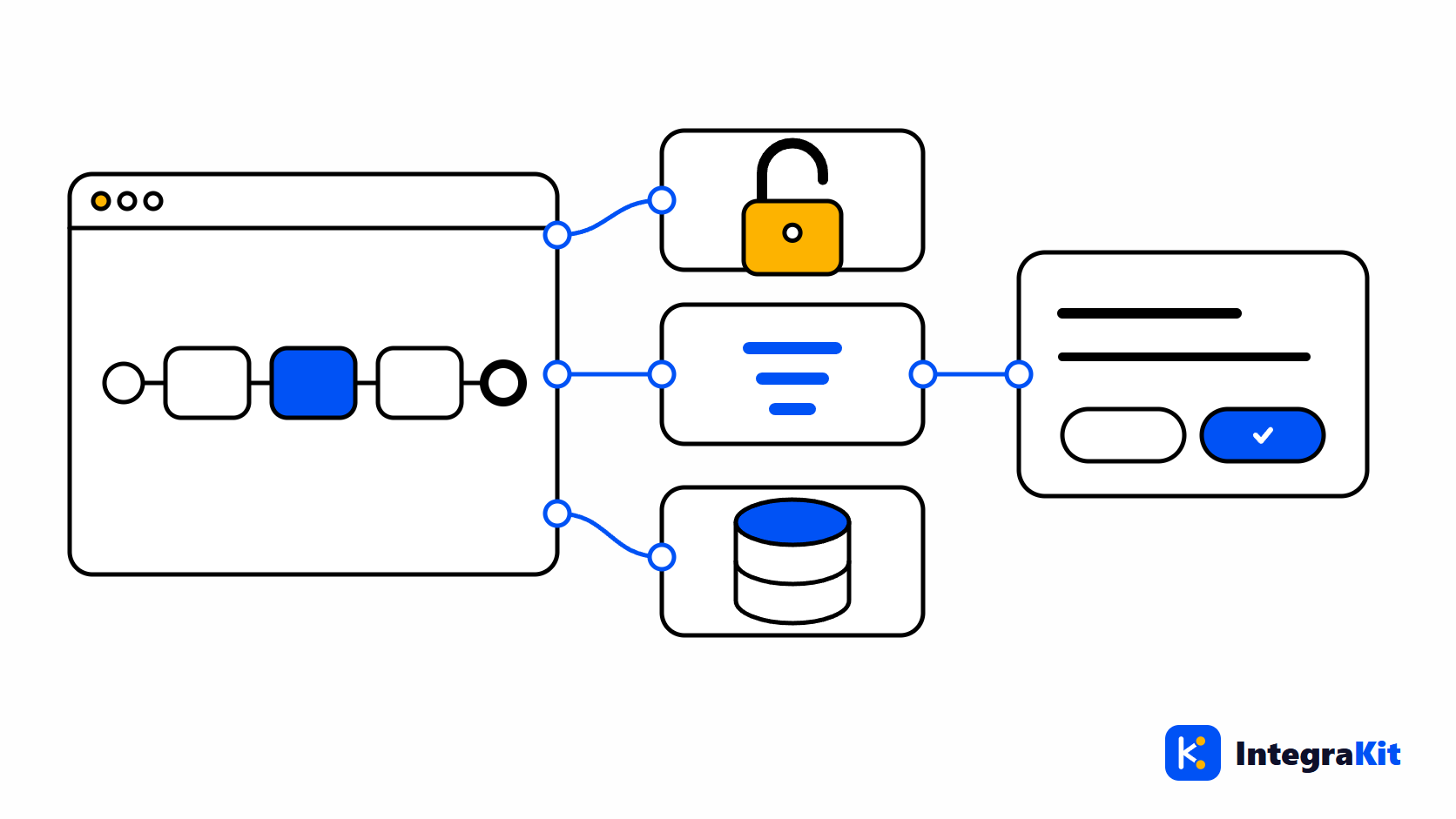
Undeploy, Unlock, Data Store: SAP CPI Admin Tasks in One Place
How to undeploy an iFlow, remove a design-time lock and delete a Data Store entry in SAP CPI, what each one really does, and how to do them from the designer with a confirmation.
The other modules
Work on iFlows without leaving the designer
Add Kitegra to Chrome or Microsoft Edge. Start free, no account needed.