Toolbox
The developer tools you keep opening in other tabs
The Toolbox brings everyday integration tools into the designer. Its offline tools are free on every plan.
Counts no iFlows. The offline tools are free on every plan; the full HTTP Runner is part of Pro, with a free 14-day trial and limited use after it.
See it in action
What it does
Payload compare
Compare two payloads side by side.
Format converter
Convert a payload from one format to another.
Test payloads
Generate test payloads, including ones with faults.
Groovy snippets and a cheat sheet
Ready-made Groovy snippets and a cheat sheet, one click away.
HTTP Runner
Call your iFlow endpoints with OAuth from a service key, and copy a call as cURL.
Notes and workspace
Notes, a PROD / TEST / DEV banner, tenant branding, monitoring links and keyboard shortcuts.
Related articles
PROD, TEST or DEV? An Environment Bar, Shortcuts and Notes for SAP CPI Tenants
Tell SAP CPI tenants apart with an environment bar and tab branding, open monitoring pages and messages in one click, keep notes per iFlow, and set shortcuts, sync and the dashboard switch.
SAP CPI Payload Tools: Compare, Convert and Generate Test Data in the Browser
Compare two payloads, convert XML, JSON, YAML and CSV with SAP's converter rules, generate test payloads with faults, and insert Groovy snippets, offline next to the iFlow designer.
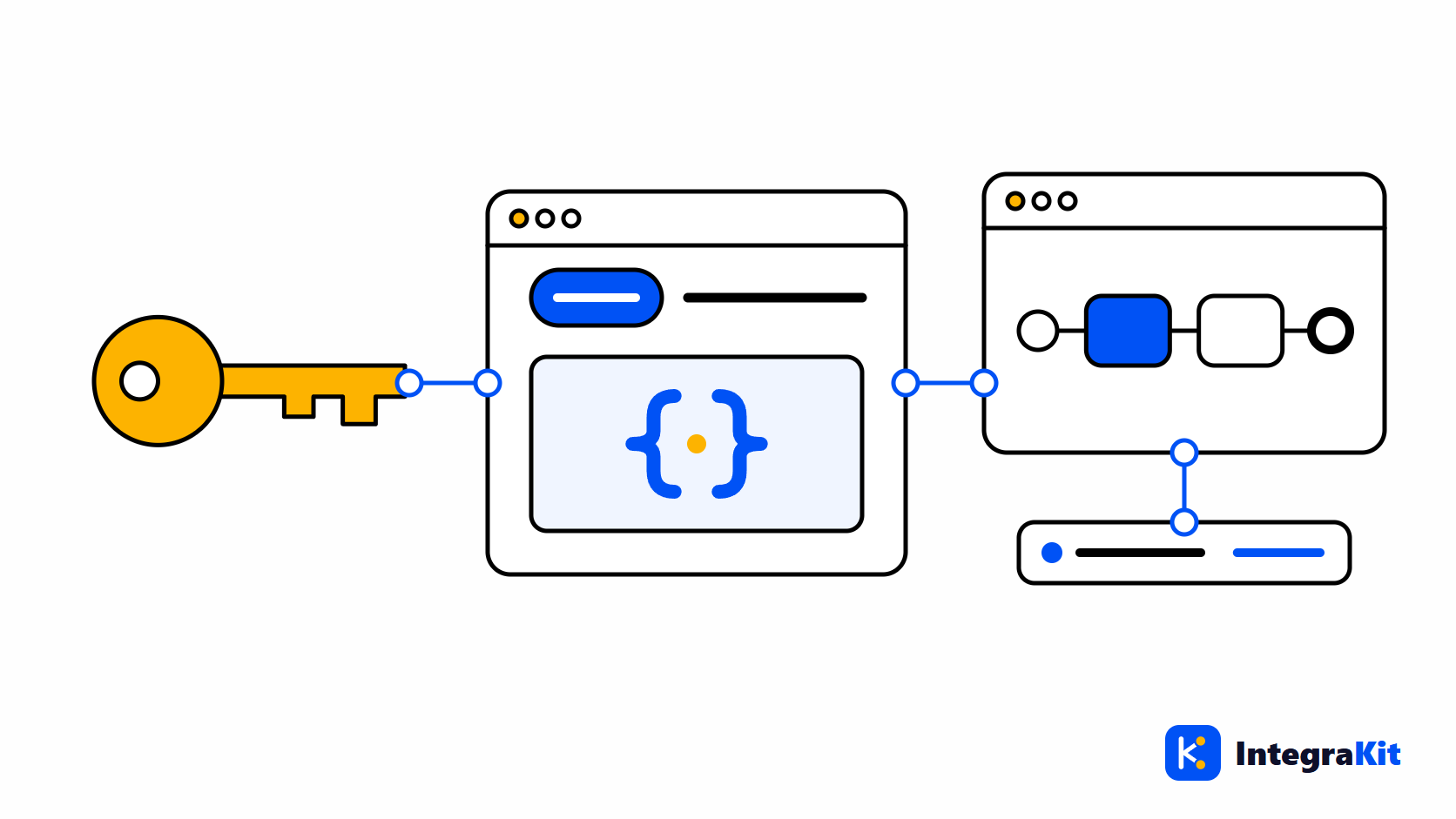
Test an SAP CPI HTTPS iFlow with a Service Key, Then Trace the Call
Call an SAP CPI HTTPS endpoint with OAuth client credentials from a Process Integration Runtime service key, find the message the call created, and trace it step by step.
The other modules
Work on iFlows without leaving the designer
Add Kitegra to Chrome or Microsoft Edge. Start free, no account needed.