iFlow Docs
Documentation, generated from the iFlow
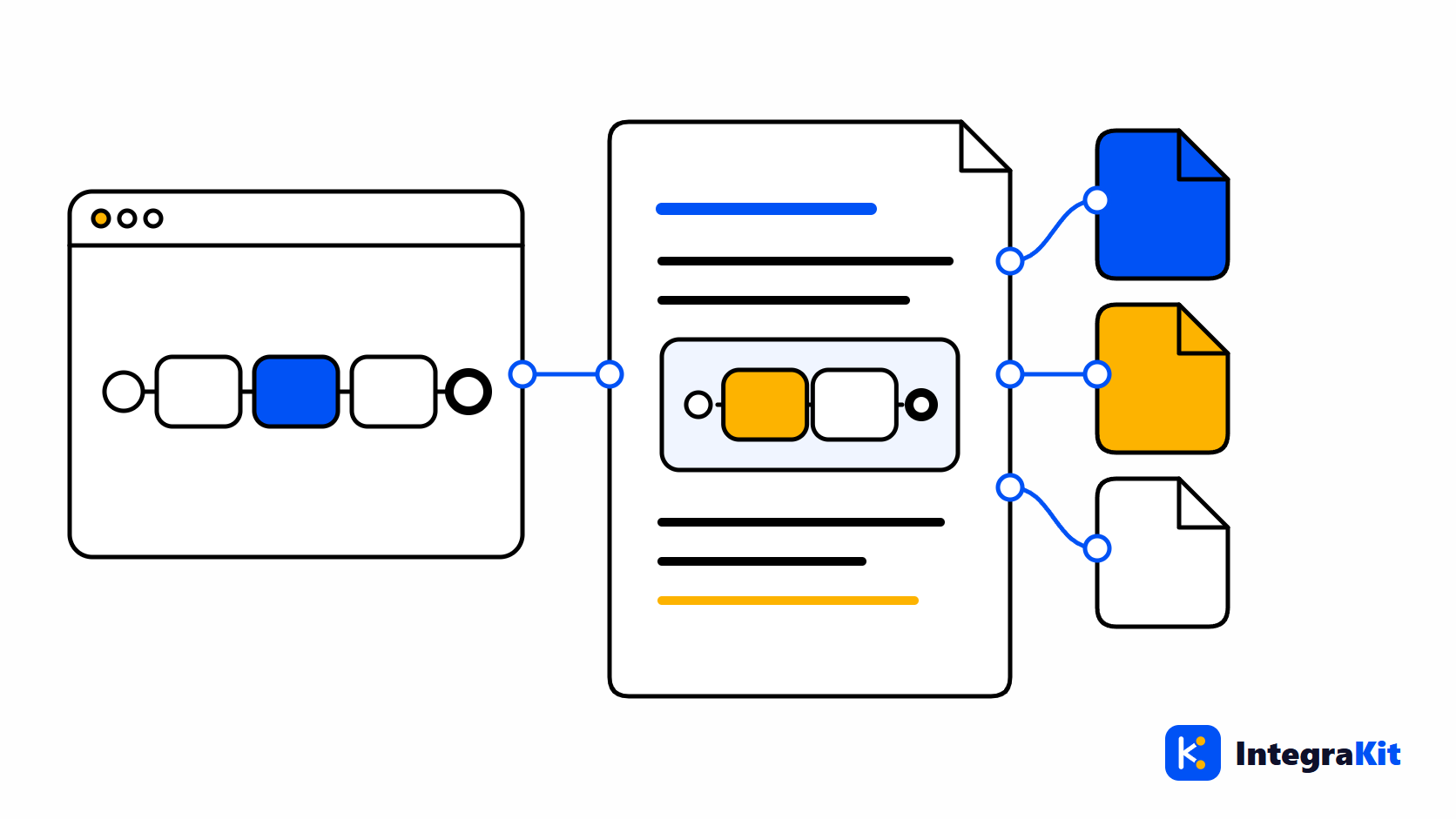
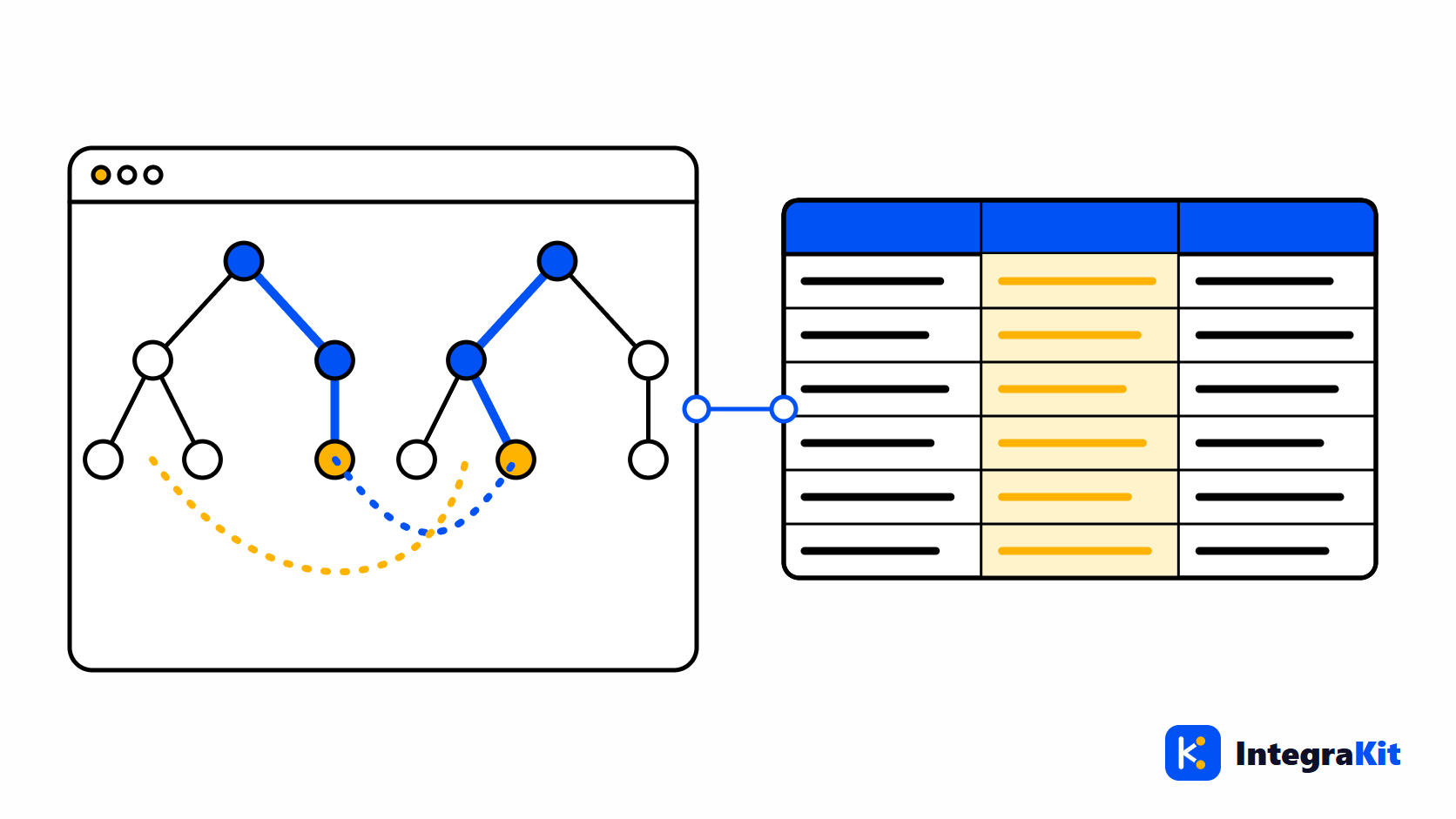
iFlow Docs turns the open iFlow into a technical design document, and a Message Mapping into a mapping sheet.
Counts the distinct iFlows you use it on toward your plan: 5 without an account, then by plan.
See it in action
What it does
Technical design document
In Word, PDF or HTML, with the iFlow’s diagram and a narrative of each process.
Your own Word template
Generate into your company’s Word template, so every document looks like yours.
Mapping sheet
A Message Mapping as an Excel sheet, ready for review.
Scripts explained
The iFlow’s scripts, listed and explained in the document.
Related articles
After Deploy in SAP CPI: Deploy Watcher, Package Documents, Landscape and Value Mapping in Excel
See when an iFlow is Started or why it failed, pick the Cloud or Edge runtime, run new design checks, document a whole package with its landscape, export Value Mappings to Excel and switch off any tool.
Generate an SAP CPI Technical Design Document from the iFlow
What an SAP CPI technical design document should contain, a structure you can follow, and how to generate one in Word, PDF or HTML from the iFlow, or into your own template.
SAP CPI Message Mapping Documentation: An Excel Mapping Sheet in One Click
How to document an SAP CPI Message Mapping as a mapping sheet: the columns that matter, how to describe functions and contexts, and how to export the sheet to Excel.
The other modules
Work on iFlows without leaving the designer
Add Kitegra to Chrome or Microsoft Edge. Start free, no account needed.