Module in this article: iFlow Docs
SAP CPI Message Mapping Documentation: An Excel Mapping Sheet in One Click
How to document an SAP CPI Message Mapping as a mapping sheet: the columns that matter, how to describe functions and contexts, and how to export the sheet to Excel.
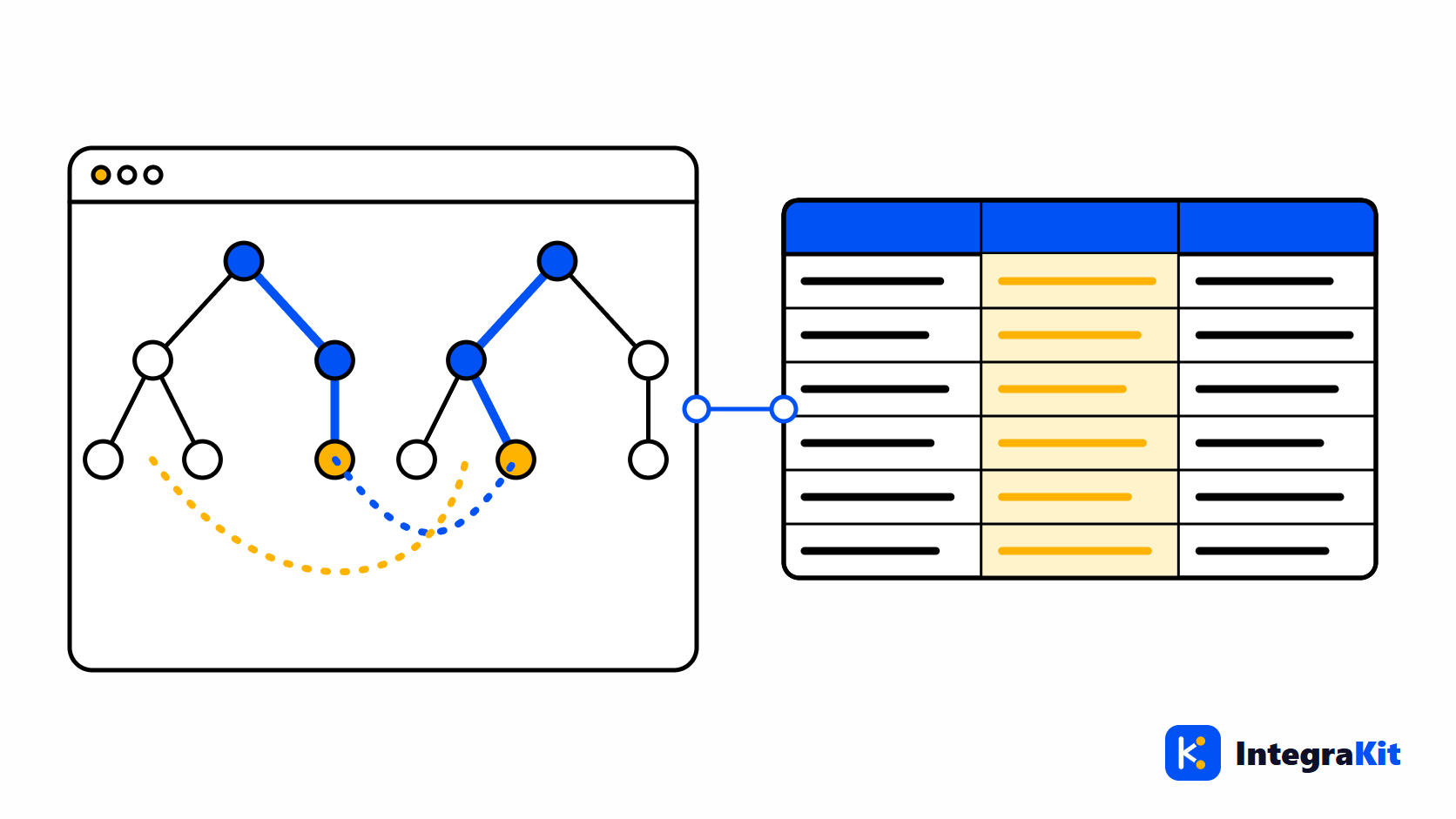
The mapping specification is usually the first document of an interface and the first one to go out of date. The Message Mapping in SAP Cloud Integration (SAP CPI) changes during the build and the tests, and the spreadsheet that described it stays where it was.
This article describes the columns a mapping sheet needs, how to describe functions, contexts and value mappings so a reader can follow them, and how to export the sheet from the mapping itself.
Why mapping specifications drift
A mapping specification is written before the mapping exists, by someone who knows the business fields. Then the developer finds that a field needs a context change, a date needs another format, and a code needs a value mapping. Each of those decisions lives in the mapping editor's graphical view, and few of them make it back to the sheet.
The columns a mapping sheet needs
| Column | What goes in it |
|---|---|
| Target field | The full path of the field in the target message |
| Occurrence | How often it may appear, for example 0..1 or 1..unbounded |
| Source fields | The source paths the value comes from |
| Rule | The logic in plain words |
| Functions | The standard functions used, such as concat, if or formatByExample |
| Constants | Fixed values written into the mapping |
| UDFs | User-defined functions and what they do |
| Value mappings | Codes translated through a value mapping |
| Notes | Context changes and anything a tester should know |
Describing functions, contexts and value mappings
- Write the rule as a sentence: "concatenates FirstName and LastName with a space" is easier to check than a list of function names.
- Name the context when it changes. A field filled once per item behaves differently from one filled once per document, and most mapping errors hide there.
- For value mappings, name the agencies and identifiers, so the tester knows which table to look up.
- For a user-defined function, say what it returns and when, not how it is written.
Export the sheet from the mapping
- Open the iFlow in the designer, click the "Kitegra" button and choose "Document this iFlow".
- On the iFlow document page, open the Mapping sheet. It lists the Message Mappings of the iFlow, one row per target field, with the columns above.
- Download it as an Excel workbook with one sheet per mapping.
- Without the designer, choose "Upload mappings (.mmap or ZIP)" instead. An uploaded file does not count toward your plan's iFlows.
The sheet is built from the mapping file, so it shows what the mapping does today. Read it next to the technical design document generated from the same iFlow.
Check the sheet before you hand it over
- Compare a few rows with a test message: the source value, the rule, the target value.
- Run the iFlow with TRACE and read the body before and after the mapping step, as in tracing a message step by step.
- Fill the Notes column where a reader needs more than the rule: why a field is constant, which system owns a code list.
How Kitegra helps
The mapping sheet is part of the iFlow Docs area of the Kitegra. It is built in your browser; mappings are never sent to Kitegra.
The Helper, Message Monitor, iFlow Inspector and iFlow Docs each count the iFlows you use them on: 5 per module without an account, 50 on the Free plan, 100 on Starter and 300 on Pro; Business has no limit. The Toolbox and the workspace extras are free. Compare the plans.
Try it in your next iFlow
Read what Kitegra adds around the SAP Integration Suite designer, or see it next to its modules.
Frequently asked questions
How do I document an SAP CPI Message Mapping?
As a mapping sheet with one row per target field: target path, occurrence, source fields, rule in words, functions, constants, UDFs, value mappings and notes.
Can I export a Message Mapping to Excel?
Yes. On the iFlow document page, the Mapping sheet downloads as an Excel workbook with one sheet per mapping.
Can I document a mapping without the designer?
Yes. Upload a .mmap file or a ZIP that contains mappings; an upload does not count toward your plan's iFlows.
Does the sheet explain user-defined functions?
It lists the UDFs each field uses. What a UDF does in business terms is worth a line in the Notes column.
Are my mappings sent to Kitegra?
No. The sheet is built in your browser and mappings are never sent.