Module in this article: Message Monitor
SAP CPI Log Level TRACE: Why It Switches Off and How to Keep It On Safely
Why the TRACE log level in SAP CPI drops back after about 10 minutes, what it stores and for how long, the risks in production, and how to keep it on only while you work.
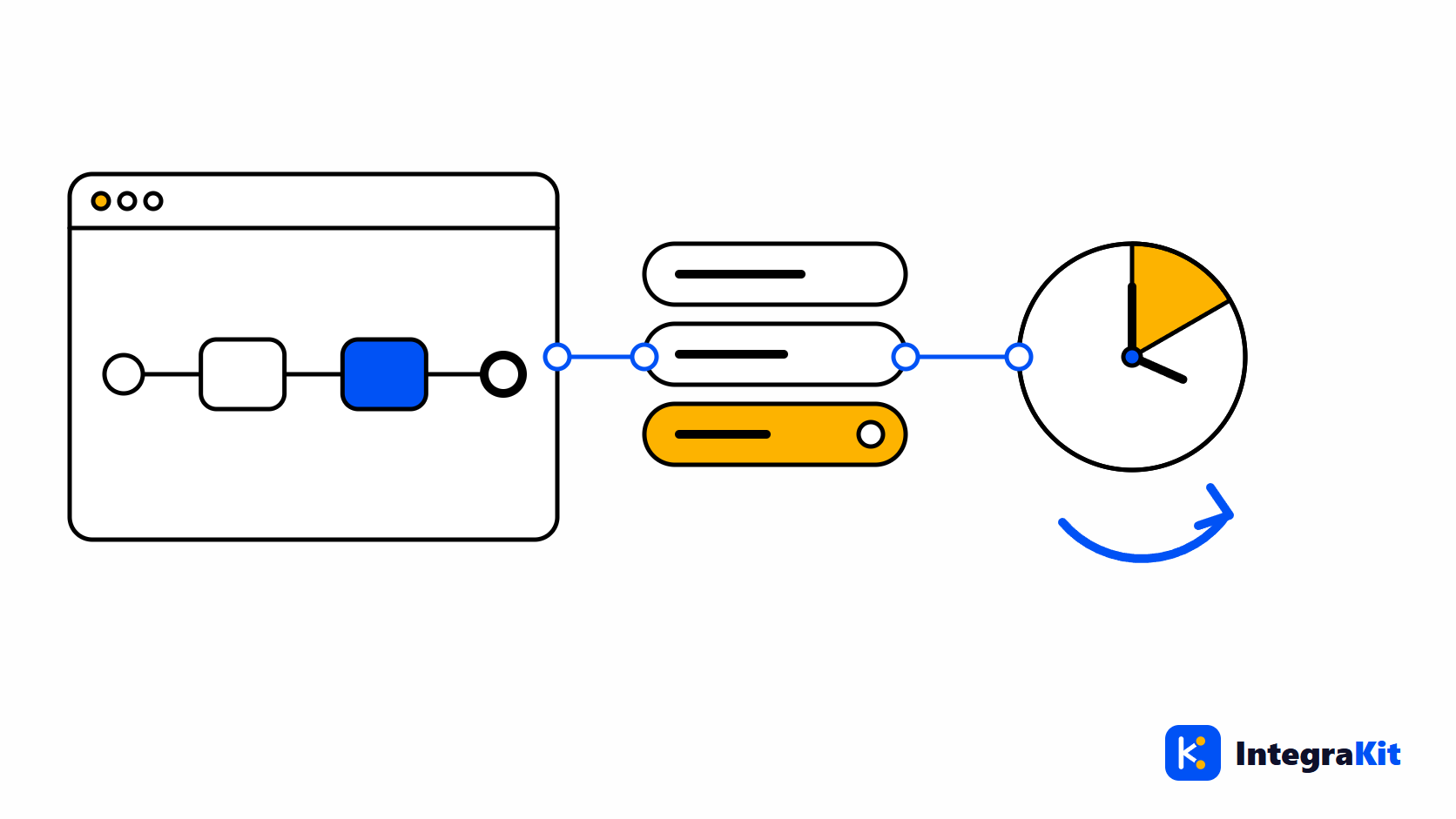
You set an iFlow's log level to Trace, test something else for a quarter of an hour, send the message that matters, and the trace is empty. SAP Cloud Integration (SAP CPI) has quietly dropped the level back. This is deliberate, and once you know why, the rules for using TRACE follow from it.
This article explains what each log level stores, why TRACE expires, how to use it safely, and how to keep it on exactly as long as you work.
The log levels and what TRACE adds
| Log level | What is kept for each message |
|---|---|
| Info | The overall status, the timing and the error, if any |
| Debug | An entry for each step the message ran |
| Trace | Like Debug, plus the body, headers and exchange properties before each step |
The level is set on the deployed iFlow, so it applies to every message that iFlow processes while it is set.
Why TRACE switches itself off
TRACE writes each step's payload, headers and properties into the tenant's database. On a busy iFlow that is a lot of data, and it can include personal or confidential content. SAP therefore limits it in time: the TRACE level is valid for about 10 minutes, after which the iFlow goes back to a lower level, and the trace content itself is kept for about an hour.
A tenant can also be set up not to allow TRACE at all. Then setting it fails, whoever tries.
Setting TRACE by hand
- In the monitor, open Manage Integration Content and select the deployed iFlow.
- In its log configuration, set the log level to Trace.
- Send your test messages within the next 10 minutes, and read their traces within the hour.
- During a longer session, set Trace again every 10 minutes.
Using TRACE safely
import com.sap.gateway.ip.core.customdev.util.Message

def Message processData(Message message) {
    // Set the exchange property logPayload to "true" (for example from an
    // externalized parameter) only while you investigate.
    if (message.getProperty("logPayload") == "true") {
        def log = messageLogFactory.getMessageLog(message)
        log?.addAttachmentAsString("Payload before mapping", message.getBody(String), "text/plain")
    }
    return message
}- Prefer test data. A trace of a production message stores that customer's data in the tenant for an hour.
- In production, trace for the shortest time that answers the question, and follow your company's approval rules.
- Do not leave Debug or Trace as an iFlow's configured log level: every message pays for it.
- Do not write passwords or tokens into headers or properties, where a trace would show them.
- When you need a payload in the log regularly, attach it to the message processing log from a script, and only while a switch is on:
Keep TRACE on only while you work
In Kitegra, the Messages panel of the open iFlow has a switch that reads "Trace: off". One click sets the log level to TRACE. While the switch is on and a designer tab of that iFlow is open, the extension sets TRACE again every 9 minutes, before SAP drops it, and it stops 20 minutes after your last activity in the iFlow. Off puts back the level the iFlow had before. The state survives a page reload, and Alt+Shift+R toggles it from the keyboard.
It refuses with a clear message when the iFlow is not deployed on the chosen runtime, when the tenant does not allow TRACE, or when "Allow actions that change the tenant" is switched off in the options.
To read what the trace recorded, see tracing a message step by step on the diagram.
How Kitegra helps
Trace is one of the four actions of the Kitegra that change your tenant, and it runs only when you click it. Before go-live, the iFlow Inspector's design check "Verbose log level" flags an iFlow whose configured log level would trace or debug every message; the iFlow review checklist covers it with the other checks.
The Helper, Message Monitor, iFlow Inspector and iFlow Docs each count the iFlows you use them on: 5 per module without an account, 50 on the Free plan, 100 on Starter and 300 on Pro; Business has no limit. The Toolbox and the workspace extras are free. Compare the plans.
Try it in your next iFlow
Read what Kitegra adds around the SAP Integration Suite designer, or see it next to its modules.
Frequently asked questions
Why does TRACE switch off by itself in SAP CPI?
TRACE stores every step's payload in the tenant. To limit the data, SAP keeps the TRACE level for about 10 minutes and the trace content for about an hour.
How long is trace data kept?
About an hour. After that the message's log remains, but its traced body, headers and properties are gone.
Is it safe to use TRACE in production?
It stores real payloads in the tenant, so use it for the shortest time that answers your question, on test data where you can, and under your company's rules.
What is the difference between Debug and Trace?
Debug records an entry for each step. Trace adds the body, headers and exchange properties before each step.
Why does setting TRACE fail on my tenant?
The tenant may not allow TRACE, the iFlow may not be deployed on that runtime, or your user may lack the role. In the extension, the tenant actions may also be switched off in the options.
Does the extension keep TRACE on after I stop working?
No. It renews TRACE only while the switch is on and you work in the iFlow, and stops 20 minutes after your last activity.