Message Monitor
See what your message did, next to the diagram
The Message Monitor shows the open iFlow’s last messages beside the diagram, explains SAP’s error and keeps TRACE on while you work.
Counts the distinct iFlows you use it on toward your plan: 5 without an account, then by plan.
See it in action
What it does
The open iFlow’s messages
Its last messages in a panel next to the diagram, with SAP’s error explained.
TRACE in one click
Set the open iFlow’s log level to TRACE and keep it on while you work.
Step-by-step content
The message’s path on the diagram, and the body, headers and properties before each step.
Logs, lookup and timings
Message logs, lookup by Message ID or Correlation ID, a timeline and step timings.
Related articles
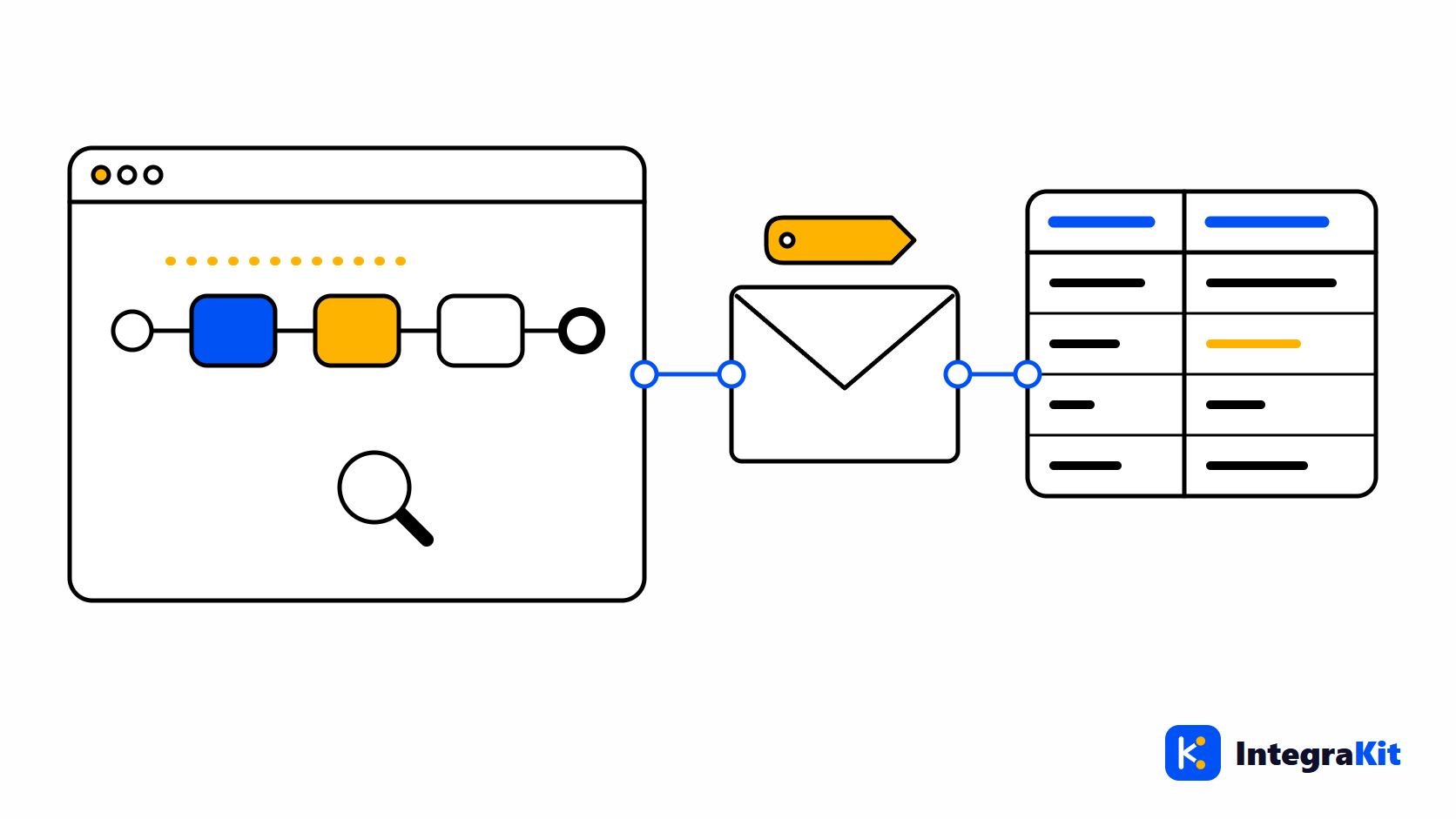
Trace an SAP CPI Message Step by Step Without Leaving the iFlow Designer
What SAP CPI's TRACE log level records, how to read the content before a step in the monitor, and how to follow a message's path and payload on the iFlow diagram itself.
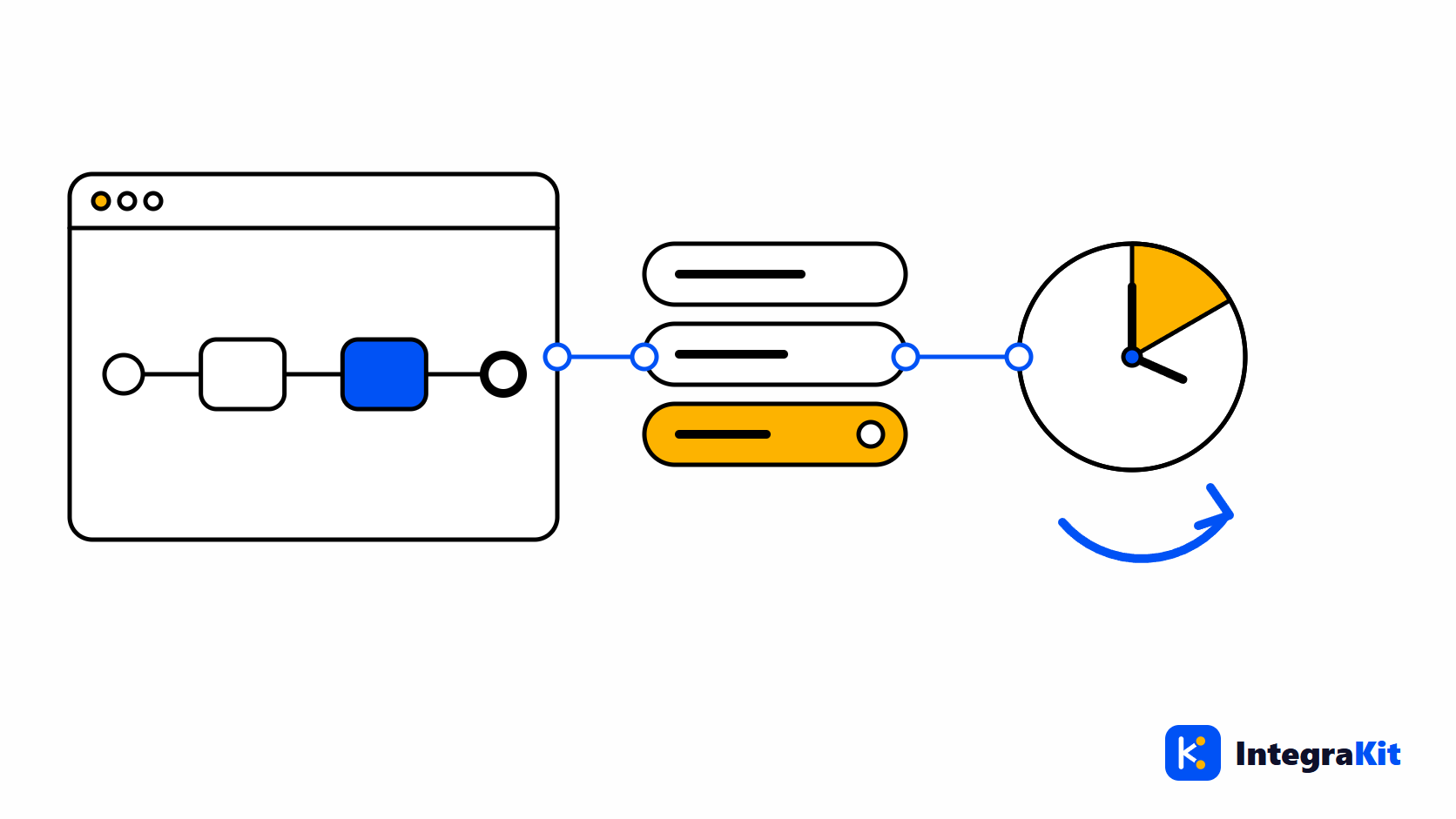
SAP CPI Log Level TRACE: Why It Switches Off and How to Keep It On Safely
Why the TRACE log level in SAP CPI drops back after about 10 minutes, what it stores and for how long, the risks in production, and how to keep it on only while you work.
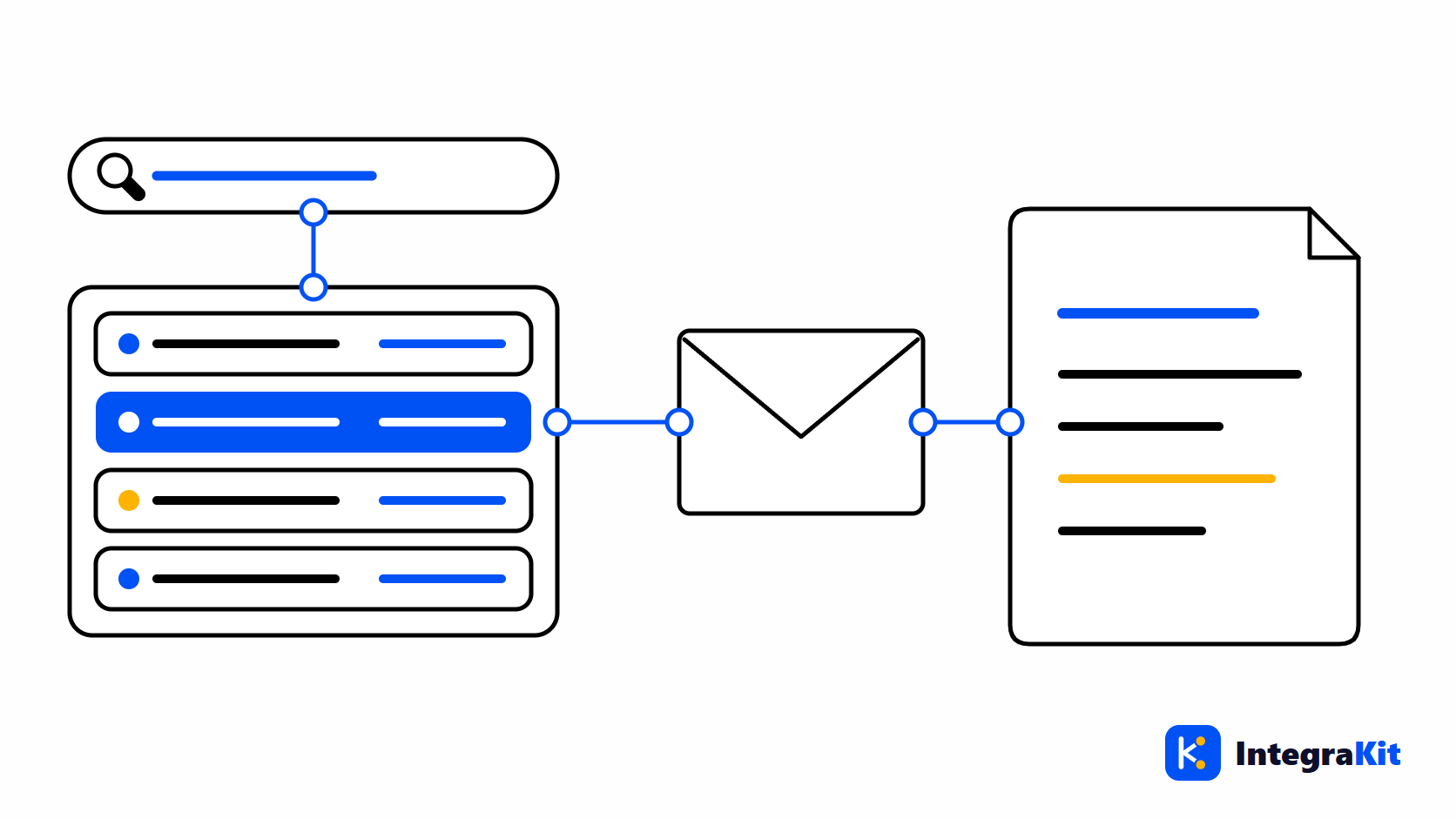
Find Any SAP CPI Message by Message ID or Correlation ID
Where SAP CPI's Message ID, Correlation ID and Application ID come from, how to search for them in the monitor and the API, and how to open a message and its related ones.
The other modules
Work on iFlows without leaving the designer
Add Kitegra to Chrome or Microsoft Edge. Start free, no account needed.