Module in this article: Integration Flow Helper
XPath in SAP CPI from a Sample Payload: XML and JSON to XML
Write XPath for SAP CPI Content Modifier, Router, Filter and Splitter from a sample payload: XML paths, namespaces, and JSON through the JSON to XML Converter's root element.
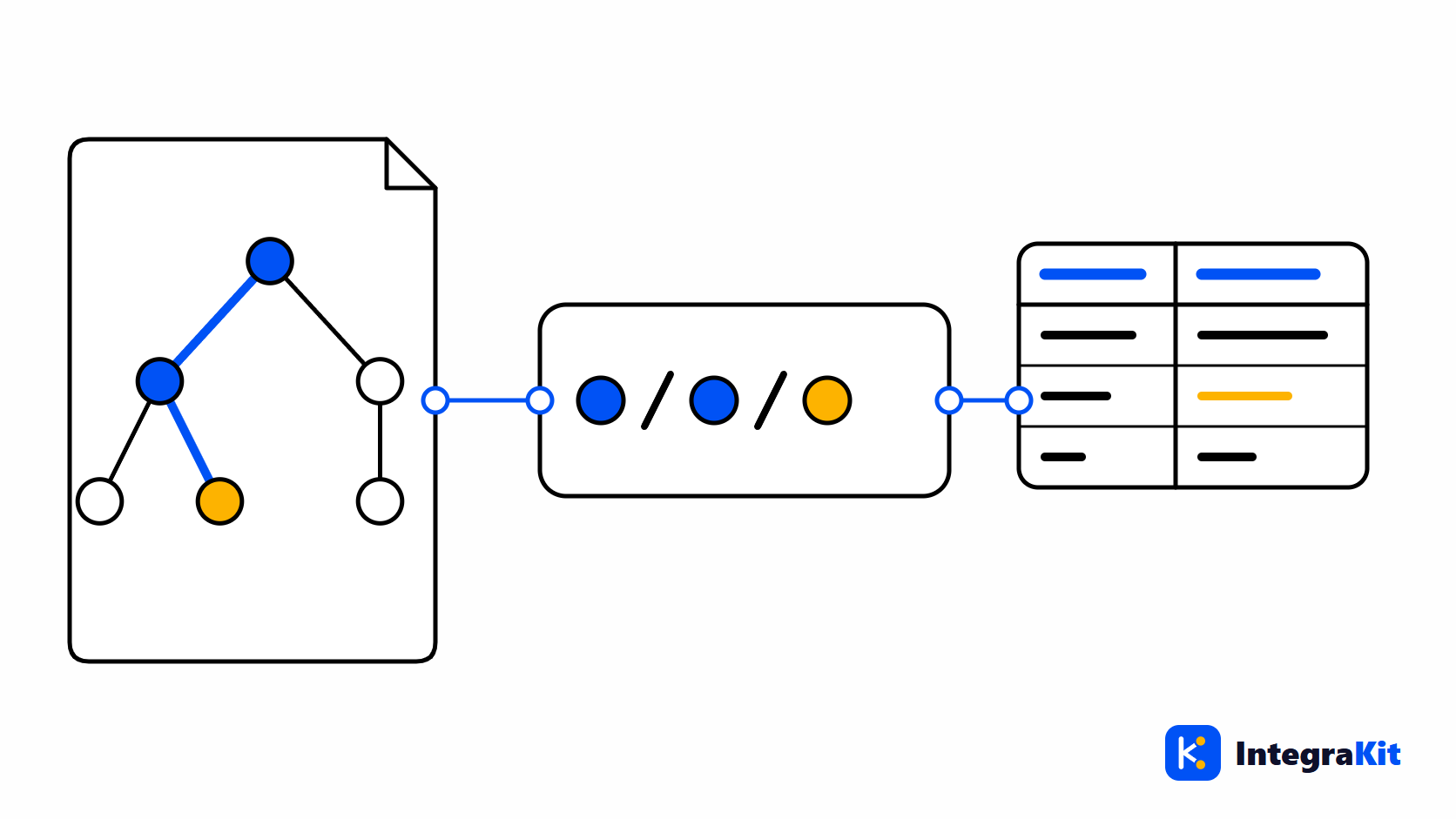
XPath is how SAP CPI reads a value out of an XML message: an order number into a property, a status into a Router condition, a repeating node into a Splitter. The quickest way to write it correctly is to start from a real sample of the payload, not from the interface description.
This article covers where XPath is used in an iFlow, how to derive paths from an XML sample, how namespaces work, and how JSON payloads become XML, including why their paths start with /root.
Where XPath is used in an iFlow
- Content Modifier: a header or property row with source type XPath reads a value from the body. The data type decides whether you get text, such as
java.lang.String, or nodes. - Router and Filter: conditions of type XML are XPath expressions, for example
/Orders/Order/Status = 'OPEN'. - Splitter: the XPath expression selects the node that repeats, one message per node.
- Gather, Aggregator and Content Enricher: XPath points to the nodes to combine, correlate or enrich.
Every one of these runs against the body as it is at that step. After a mapping or converter, the paths change with the structure.
From an XML sample to an XPath
Here is a small sample with two orders:
<Orders>
  <Order status="OPEN">
    <Id>4711</Id>
    <Customer id="C-100">ACME</Customer>
    <Amount currency="EUR">1250.00</Amount>
  </Order>
  <Order status="CLOSED">
    <Id>4712</Id>
    <Customer id="C-200">Globex</Customer>
    <Amount currency="EUR">80.00</Amount>
  </Order>
</Orders>| XPath | Result on the sample |
|---|---|
/Orders/Order/Id | Every order ID: 4711 and 4712 |
/Orders/Order[@status='OPEN']/Id | The IDs of open orders: 4711 |
/Orders/Order[1]/Customer/@id | The customer ID of the first order: C-100 |
count(/Orders/Order) | The number of orders: 2 |
/Orders/Order[Amount > 1000] | The orders above 1000 |
A path that starts with / begins at the root; //Id finds Id elements anywhere, which is convenient but slower on large payloads.
Namespaces
If the payload's elements are in a namespace, a path without a prefix finds nothing. Declare a prefix for each namespace in the iFlow's Runtime Configuration under Namespace Mapping, in the form xmlns:ord=http://example.com/orders, and use it in every step: /ord:Orders/ord:Order/ord:Id.
The prefix in your mapping does not have to match the one in the payload; only the namespace URI must match. An XPath that returns nothing on a payload you can clearly see is usually a missing namespace mapping.
JSON payloads: XPath through the JSON to XML Converter
XPath works on XML, so a JSON message is first converted with the JSON to XML Converter. A JSON object with several members has no single root element, so the converter's Add XML Root Element option wraps it in one, named root by default. The paths then start with /root, and each item of an array becomes a repeated element named after the array:
{
  "orderId": "4711",
  "customer": { "id": "C-100", "name": "ACME" },
  "items": [
    { "sku": "A-1", "qty": 2 },
    { "sku": "B-7", "qty": 1 }
  ]
}

JSON to XML Converter (root element: root)

<root>
  <orderId>4711</orderId>
  <customer><id>C-100</id><name>ACME</name></customer>
  <items><sku>A-1</sku><qty>2</qty></items>
  <items><sku>B-7</sku><qty>1</qty></items>
</root>

/root/orderId              4711
/root/customer/name        ACME
/root/items/sku            A-1, B-7
/root/items[qty > 1]/sku   A-1
If you give the root another name in the converter, change the first step of every path to match. To go back to JSON after the XPath steps, use the XML to JSON Converter.
Why an XPath returns nothing
- A namespace that is not declared under Namespace Mapping, or a path without its prefix.
- The wrong case: element and attribute names in XPath are case-sensitive.
- A path written for the payload before a mapping or converter changed it.
- A JSON path without the
/rootstep, or with the default name after the root was renamed. - The wrong data type in a Content Modifier row:
java.lang.Stringreturns text,org.w3c.dom.NodeListreturns nodes.
Building the values into a body afterwards? The Simple expressions article shows how to use the properties you just read, and the Postman and OpenAPI article shows how to send a JSON body to a REST API.
How Kitegra helps
The Kitegra browser extension writes the paths from your sample. Give it a sample payload in XML or JSON, and it suggests XPath expressions in Content Modifier XPath rows, Router, Filter, Splitter, Gather, Aggregator and Content Enricher. For a JSON sample, the suggested paths start at the converter's root, /root.
Sample payloads stay in your browser: Kitegra never stores them. It never saves, deploys or edits an iFlow's content, and your tenant changes only when you click one of four named actions, which can be switched off.
To see the body an XPath step really receives, trace the message step by step.
Without an account it works on 5 iFlows per module. The Free plan covers 50, Starter 100 and Pro 300; Business has no limit. Compare the plans.
Try it in your next iFlow
Read what Kitegra does in the SAP Integration Suite designer, or see it next to its modules.
Frequently asked questions
How do I read a value from XML into a property in SAP CPI?
In a Content Modifier, add an exchange property row with source type XPath, the path as the source value, for example /Orders/Order/Id, and java.lang.String as the data type.
Why does my XPath return nothing?
The most common causes are a namespace that is not declared under Namespace Mapping, the wrong case in an element name, or a path written for the payload before a mapping changed it.
Can I use XPath on a JSON payload?
Not directly. Convert the JSON with the JSON to XML Converter first, then write XPath against the converted XML.
Why do XPaths for JSON start with /root?
The JSON to XML Converter adds a root element named root by default, because a JSON object with several members has no single root. Change the paths if you rename it.
How do JSON arrays look after the JSON to XML Converter?
Each array item becomes a repeated element named after the array, so items with two entries becomes two items elements, read with /root/items.
How do I split a message per order with XPath?
Use a Splitter with the XPath of the repeating node, for example /Orders/Order. Each order becomes its own message.