Module in this article: Integration Flow Helper
ProcessDirect and JMS in SAP CPI: Passing Headers Between iFlows
How to pass headers and exchange properties between iFlows in SAP CPI with ProcessDirect and JMS: matching addresses and queues, what crosses, and how to debug.
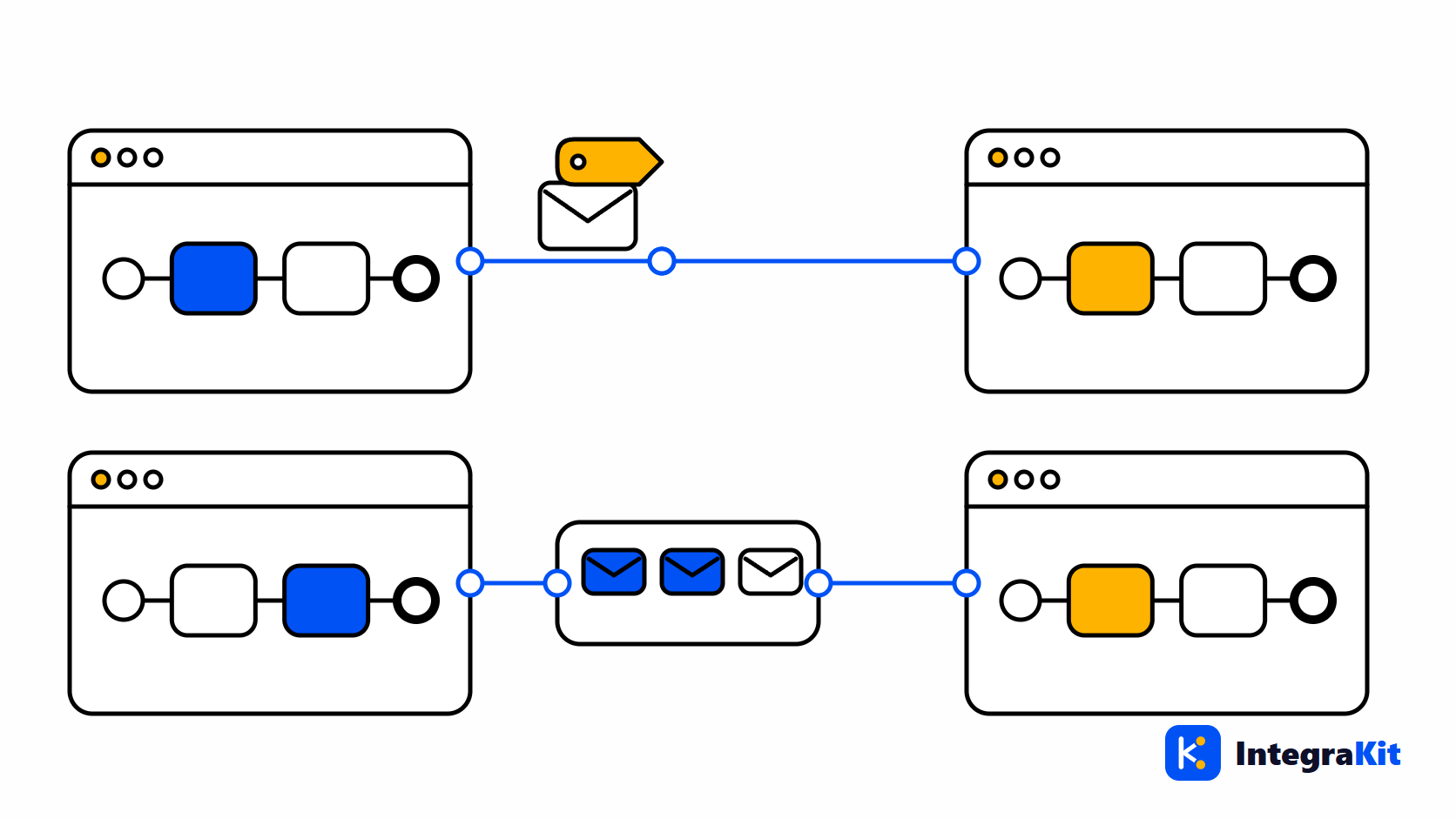
Large integrations in SAP CPI are split into several iFlows: one receives, others enrich, map or send. ProcessDirect calls another iFlow on the same tenant directly; JMS hands a message to a queue that another iFlow reads later. In both cases the question is the same: which of my headers and properties arrive on the other side?
This article explains how both connections are set up, what crosses them and what does not, and how to find out why a value went missing between two iFlows.
ProcessDirect: one iFlow calling another
The calling iFlow, the producer, uses a ProcessDirect receiver adapter. The called iFlow, the consumer, starts with a ProcessDirect sender adapter. Both have an Address field, and the call only connects when the address is exactly the same on both sides, for example:
Producer iFlow  ->  ProcessDirect receiver   Address: /orders/enrich
Consumer iFlow  <-  ProcessDirect sender     Address: /orders/enrich
Both iFlows run on the same tenant, and the consumer must be deployed before the producer can call it. Only one deployed consumer can listen on an address. Used with a Request-Reply step, the consumer's final message comes back to the producer as the reply.
What crosses ProcessDirect, and what does not
The consumer receives the message body and the message headers. Exchange properties stay behind: the consumer starts a new exchange with none of the producer's properties.
To pass a property, copy it into a header in a Content Modifier just before the call, for example a header orderId with source type Property and value orderId. In the consumer, copy it back into a property if you prefer to work with properties there. Remove the headers the consumer should not receive, especially large ones.
JMS: passing a message through a queue
With JMS, the producer's JMS receiver adapter writes the message to a queue, and a consumer iFlow with a JMS sender adapter on the same Queue Name reads it. The two iFlows are decoupled: the producer does not wait, and the consumer retries messages that fail.
- Headers are stored with the message and arrive in the consumer.
- Exchange properties are not stored unless the JMS receiver has Transfer Exchange Properties switched on.
- Whatever is stored with the message has a size limit, so keep headers and transferred properties small.
- In the consumer, the header
SAPJMSRetriestells you how many times the message has been retried.
Side by side
| ProcessDirect | JMS | |
|---|---|---|
| Link between the iFlows | The same Address on both | The same Queue Name on both |
| Call | Direct, can return a reply | Asynchronous through a queue |
| Message body | Passed | Passed |
| Headers | Passed | Passed |
| Exchange properties | Not passed: copy them into headers | Passed only with Transfer Exchange Properties |
Header names are case-insensitive on both sides, but exchange property names are case-sensitive, so a property restored in the consumer must be spelled exactly as the next steps read it.
When a value does not arrive
- Compare the addresses or queue names character by character, including the leading slash and the case.
- Check that the consumer is deployed and started.
- Check whether the value was a property: across ProcessDirect it never arrives, across JMS only with Transfer Exchange Properties.
- Check that no Content Modifier removes the header on the way out of the producer.
- Run both iFlows with the log level set to Trace and compare the headers at the producer's last step with those at the consumer's first step.
The article on unknown headers and properties covers the general checks, and Camel Simple expressions in SAP CPI the syntax used to read the values.
How Kitegra helps
The Kitegra browser extension follows ProcessDirect and JMS links between iFlows. In the consumer, typing ${ or $ suggests the headers that the connected iFlows set, together with the link names they share, so you do not have to open the producer to check a spelling.
Its navigator lists your tenants, packages and iFlows for each SAP account, so you can jump from one side of a link to the other. It never saves, deploys or edits an iFlow's content, and your tenant changes only when you click one of four named actions, which can be switched off.
To follow one message from the producer to the consumer, look it up by its Correlation ID: the timeline lists every iFlow it passed.
Without an account it works on 5 iFlows per module. The Free plan covers 50, Starter 100 and Pro 300; Business has no limit. Compare the plans.
Try it in your next iFlow
Read what Kitegra does in the SAP Integration Suite designer, or see it next to its modules.
Frequently asked questions
Do headers pass through ProcessDirect in SAP CPI?
Yes. The consumer iFlow receives the message body and the headers. Exchange properties are not passed.
How do I pass an exchange property to another iFlow with ProcessDirect?
Copy it into a header with a Content Modifier before the ProcessDirect call, and copy it back into a property in the consumer if you need it there.
Why does my ProcessDirect call fail to connect?
The addresses differ, even by one character or a slash, or the consumer iFlow is not deployed on the same tenant.
Does JMS keep exchange properties?
Only if Transfer Exchange Properties is switched on in the JMS receiver adapter. Headers are always stored with the message.
How do I know how often a JMS message was retried?
Read the header SAPJMSRetries in the consumer iFlow, for example to stop retrying after a number of attempts.
Can two iFlows listen on the same ProcessDirect address?
No. Only one deployed consumer can use an address; give each consumer its own.