iFlow से SAP CPI technical design document बनाएँ
SAP CPI technical design document में क्या होना चाहिए, एक structure जिसे आप अपना सकें, और इसे iFlow से Word, PDF या HTML में, या अपने template में कैसे बनाएँ।
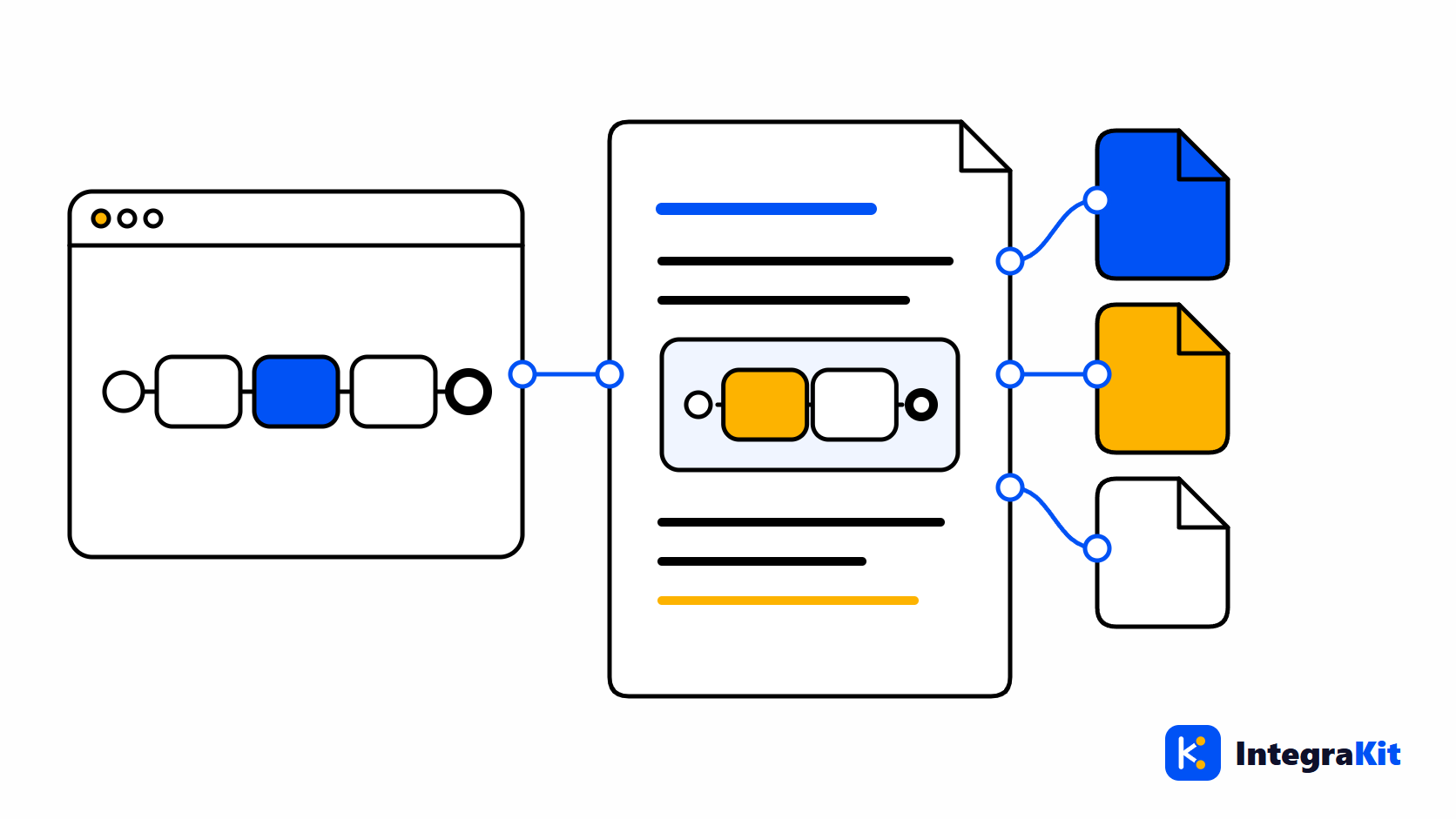
हर SAP Cloud Integration (SAP CPI) project एक technical design document माँगता है, और ज़्यादातर documents दो बार लिखे जाते हैं: एक बार build से पहले, specification से, और फिर hand-over के समय, iFlow से, क्योंकि iFlow बदल चुका होता है। दूसरी बार का ज़्यादातर काम वही copy करना होता है जो iFlow पहले से बता रहा है।
यह लेख बताता है कि किसी iFlow के technical design document में क्या होना चाहिए, और दिखाता है कि उसे iFlow से ही कैसे बनाएँ, Word, PDF या HTML में, या आपकी कंपनी के अपने Word template में।
यह document किसलिए है
Technical design document उस व्यक्ति को, जिसने iFlow नहीं बनाया, बताता है कि वह कैसे काम करता है: वह किन systems को जोड़ता है, रास्ते में message के साथ क्या करता है, कैसे fail होता है, और उसे चलाने के लिए operator को क्या जानना चाहिए। इसे reviews में, hand-over के समय, और महीनों बाद तब पढ़ा जाता है जब interface टूटता है।
इसमें क्या लिखें
- Interface overview: नाम, ID, package, उद्देश्य, senders और receivers, उनके adapters और addresses के साथ।
- Flow: एक diagram और, हर process के लिए, एक छोटा विवरण कि message के साथ क्या होता है।
- Routing: हर Router, उसके routes और उनकी conditions, और default route।
- Mappings और scripts: हर एक क्या करता है, एक-दो वाक्यों में।
- Headers और properties: iFlow क्या सेट करता है और क्या पढ़ता है।
- Error handling: Exception Subprocesses और वे क्या करते हैं।
- Security: वह जिन credential और key नामों का इस्तेमाल करता है (secrets कभी नहीं)।
- Externalized parameters, और वह जिन Data Stores, JMS queues और ProcessDirect links का इस्तेमाल करता है।
- Operations: इसे कहाँ monitor करें, fail होने पर क्या करें, किससे संपर्क करें।
हाथ से लिखे documents पुराने क्यों पड़ जाते हैं
उस सूची की हर चीज़ पहले से iFlow में है। इसे हाथ से लिखने का मतलब है addresses, conditions और parameter names copy करना, और iFlow का हर बदलाव उस copy को थोड़ा और गलत बना देता है। iFlow से बना document उसी दिन सही होता है जिस दिन बनाया जाता है, और बदलाव के बाद उसे फिर से बनाने में एक मिनट लगता है।
इसे iFlow से बनाएँ
- डिज़ाइनर में iFlow खोलें, "Kitegra टूल" बटन पर क्लिक करें और "इस iFlow का दस्तावेज़ बनाएँ" चुनें। "iFlow दस्तावेज़" नए tab में खुलता है।
- उसके पढ़े गए तथ्य जाँचें: participants और adapters, processes और उनके steps, routes, mappings और scripts, headers और properties, parameters, security material के नाम, stores और links, और error handling।
- एक "टेम्पलेट" चुनें: "तकनीकी डिज़ाइन", "संक्षिप्त सारांश" या "ऑपरेशंस हैंडओवर"।
- "प्रोजेक्ट" और "लेखक" भरें; ये अगले document के लिए रखे जाते हैं।
- इसे Word, PDF या HTML के रूप में डाउनलोड करें।
Diagram iFlow से बनाया जाता है, और हर process को "… के जरिए … से संदेश प्राप्त करता है।" और "त्रुटि होने पर: …" जैसा विवरण मिलता है। डिज़ाइनर के बिना, इसके बजाय "iFlow अपलोड करें (ZIP या .iflw)" चुनें; अपलोड की गई फ़ाइल आपके प्लान के iFlows में नहीं गिनी जाती। PDF के labels अंग्रेज़ी में हैं।
अपनी कंपनी का Word template इस्तेमाल करें
अगर आपके project का कोई template है, तो "आपका अपना Word टेम्पलेट" चुनें। किसी .docx फ़ाइल में जहाँ तथ्य आने चाहिए वहाँ placeholders लिखें, फिर "भरें और डाउनलोड करें" चुनें:
Interface:   {{iflowName}} ({{iflowId}})
Package:     {{package}}
Project:     {{project}}        Author: {{author}}        Date: {{date}}

Purpose
{{description}}

Senders: {{senders}}        Receivers: {{receivers}}
Adapters: {{adapters}}

How it works
{{narrative}}

Routing: {{routes}}
Scripts: {{scripts}}
Error handling: {{errorHandling}}
पेज हर उस placeholder की सूची देता है जिसे वह भरता है, उनमें {{iflowName}}, {{package}}, {{narrative}}, {{routes}}, {{parameters}}, {{securityMaterial}} और {{errorHandling}} शामिल हैं। Message Mappings को अपनी अलग sheet मिलती है: देखें Excel में Message Mapping documentation।
Kitegra कैसे मदद करता है
Documents, Kitegra का iFlow Docs area हैं। Document आपके browser में बनता है; scripts और mappings कभी Kitegra को नहीं भेजी जातीं। किसी iFlow का document बनाने से पहले, review checklist वह सब पकड़ लेती है जिसे आप लिखना नहीं चाहेंगे।
Helper, Message Monitor, iFlow Inspector और iFlow Docs हर एक उन iFlows को गिनते हैं जिन पर आप उन्हें इस्तेमाल करते हैं: Kitegra खाते के बिना हर मॉड्यूल में 5, Free प्लान में 50, Starter में 100 और Pro में 300; Business में कोई सीमा नहीं। Toolbox और workspace की अतिरिक्त सुविधाएँ मुफ़्त हैं। प्लान की तुलना करें।
अपने अगले iFlow में आज़माएँ
पढ़ें कि Kitegra, SAP Integration Suite के डिज़ाइनर में क्या-क्या जोड़ता है, या इसे Kitegra के बाकी Chrome एक्सटेंशन के साथ देखें।
अक्सर पूछे जाने वाले प्रश्न
SAP CPI technical design document में क्या होना चाहिए?
Interface overview, diagram के साथ flow, routing, mappings और scripts, headers और properties, error handling, security के नाम, parameters, stores और links, और operations notes।
क्या मैं iFlow से document बना सकता हूँ?
हाँ। "Kitegra टूल" menu में "इस iFlow का दस्तावेज़ बनाएँ" चुनें, एक template चुनें, और इसे Word, PDF या HTML के रूप में डाउनलोड करें।
क्या मैं अपनी कंपनी का Word template इस्तेमाल कर सकता हूँ?
हाँ। सूची में दिए placeholders, जैसे {{iflowName}} या {{narrative}}, किसी .docx फ़ाइल में लिखें और "भरें और डाउनलोड करें" चुनें।
क्या डिज़ाइनर खुला होना ज़रूरी है?
नहीं। आप इसके बजाय iFlow की ZIP या .iflw फ़ाइल अपलोड कर सकते हैं, और अपलोड की गई फ़ाइल आपके प्लान के iFlows में नहीं गिनी जाती।
क्या document में passwords होते हैं?
नहीं। इसमें सिर्फ़ credential और key के नाम होते हैं, secrets कभी नहीं।
क्या मेरा iFlow Kitegra को भेजा जाता है?
नहीं। Document आपके browser में बनता है; scripts और mappings कभी नहीं भेजी जातीं।