Service key से SAP CPI HTTPS iFlow टेस्ट करें, फिर call को trace करें
Process Integration Runtime service key के OAuth client credentials से SAP CPI HTTPS endpoint call करें, call से बना message खोजें, और उसे step by step trace करें।
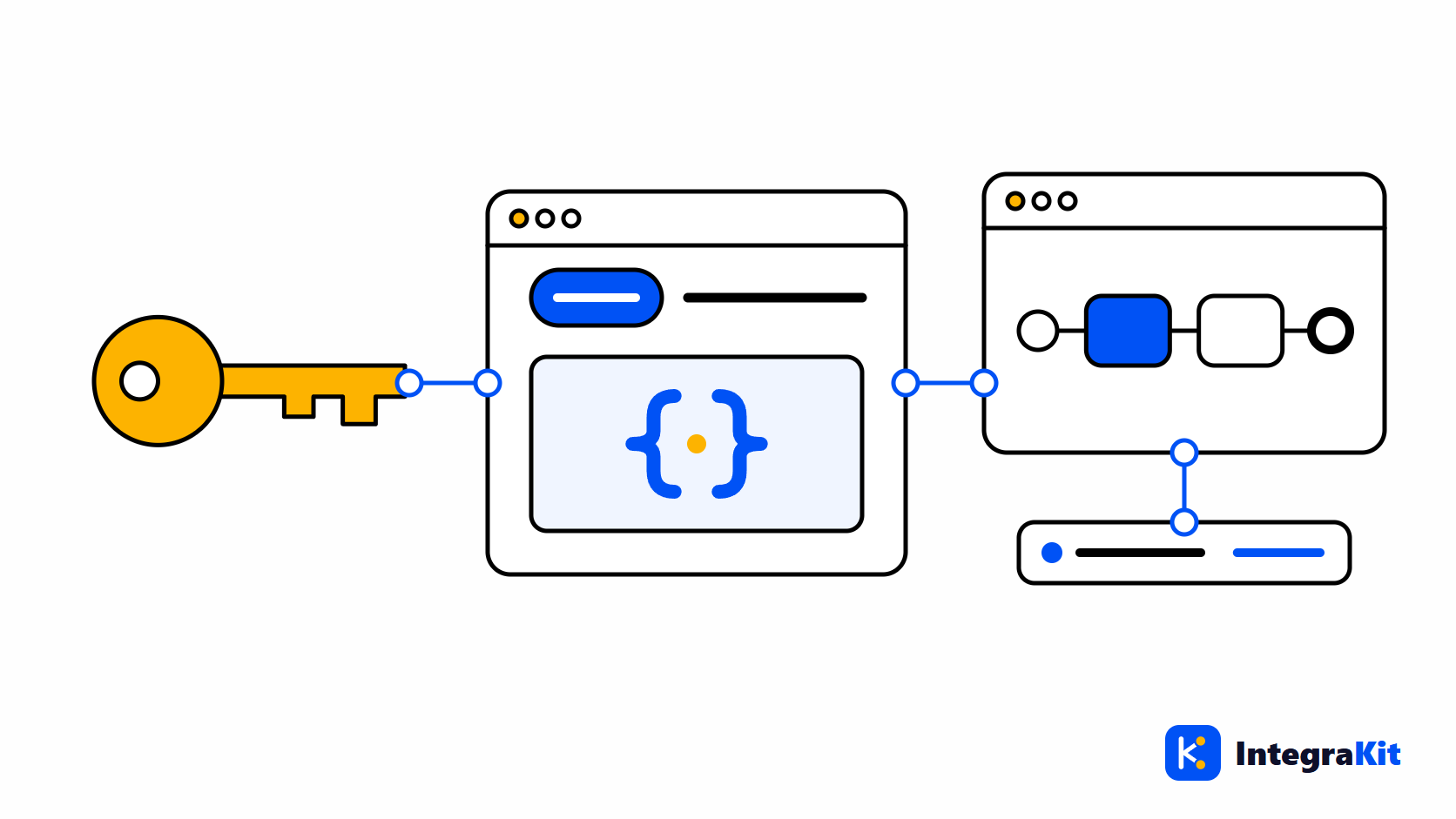
HTTPS sender वाला iFlow deploy करना आसान है, पर उसे call करना हैरानी की हद तक झंझट भरा: आपको सही endpoint, सही service key से token, कभी-कभी एक CSRF token चाहिए, और उसके बाद भी monitor में वह message ढूँढना पड़ता है जो आपकी call से बना।
यह लेख SAP Cloud Integration (SAP CPI) के लिए पूरा loop समझाता है: आपको क्या चाहिए, token कैसे लें और endpoint कैसे call करें, नतीजे में बना message कैसे खोजें, और उसे कैसे trace करें।
आपको क्या चाहिए
- HTTPS sender channel वाला एक deploy किया गया iFlow। उसका Address, जैसे
/orders/create, endpoint का हिस्सा बनता है। - Endpoint URL: runtime host, उसके बाद
/httpऔर address। Monitor का Manage Integration Content, deploy किए गए iFlow के लिए इसे दिखाता है। - Plan
integration-flowऔर messages भेजने की अनुमति वाले role के साथ Process Integration Runtime का एक service instance, और उस instance की एक service key जिसमें client ID और secret हो। - एक test payload जिसे iFlow स्वीकार करता हो।
Token लें और endpoint call करें
Service key में call के लिए ज़रूरी सब कुछ होता है: client ID और secret, token service का URL, और runtime host:
{
  "oauth": {
    "clientid": "<client id>",
    "clientsecret": "<secret>",
    "url": "https://<subaccount>.it-cpi<nn>-rt.cfapps.<region>.hana.ondemand.com",
    "tokenurl": "https://<subaccount>.authentication.<region>.hana.ondemand.com/oauth/token"
  }
}
Client secret को password की तरह संभालें: key को साझा फ़ाइलों, tickets और chats से दूर रखें।
Endpoint call करें और जवाब पढ़ें
Call में दो requests लगती हैं: client credentials grant से एक token, फिर उस token के साथ असली call:
# 1. Get an access token with the client credentials of the service key
curl -X POST "<tokenurl>" \
     -u "<clientid>:<clientsecret>" \
     -d "grant_type=client_credentials"

# 2. Call the iFlow's HTTPS endpoint with the token
curl -i -X POST "<url>/http/orders/create" \
     -H "Authorization: Bearer <access_token>" \
     -H "Content-Type: application/json" \
     -d @order.json

# The response headers include SAP_MessageProcessingLogID: the Message ID of this call.- 401: token नहीं है, expire हो गया है या किसी दूसरे subaccount का है।
- 403: service key के role को messages भेजने की अनुमति नहीं है, या HTTPS sender को CSRF token चाहिए। Test endpoint के लिए आप channel में CSRF protection बंद कर सकते हैं, या पहले token ले सकते हैं।
- 404: address गलत है, या iFlow deploy नहीं है।
- 500: iFlow fail हुआ; message processing log बताता है कि कहाँ।
Status जो भी हो, response header SAP_MessageProcessingLogID call की Message ID देता है, और उससे आप message खोल सकते हैं: देखें Message ID से message कैसे खोजें।
HTTP Runner से यह काम browser में करें
Kitegra के Toolbox में आपके iFlow endpoints के लिए एक HTTP Runner है। इसे एक्सटेंशन के popup के "टूल्स" view से खोलें।
- "नया कलेक्शन" और "नई रिक्वेस्ट" से GET, POST, PUT, PATCH, DELETE या HEAD रिक्वेस्ट का कलेक्शन शुरू होता है, साथ में query parameters, headers, और JSON, XML या टेक्स्ट body या कोई फ़ाइल।
{{variables}}और एनवायरनमेंट (dev, test, prod): "नया एनवायरनमेंट" से एक जोड़ें, या "कोई एनवायरनमेंट नहीं" से भेजें। "सीक्रेट" चिह्नित वेरिएबल का मान इसी ब्राउज़र में रहता है।- Auth: "कलेक्शन से", "कोई नहीं", "Basic", "Bearer टोकन" या "OAuth2 client credentials (सर्विस की)", जिसमें आप "सर्विस की (Process Integration Runtime)" का JSON पेस्ट करते हैं; टोकन आपके लिए ले लिया जाता है। client secret वाली की चाहिए; सर्टिफ़िकेट वाली की समर्थित नहीं है।
- "टेस्ट" response की जाँच करते हैं ("स्टेटस बराबर", "बॉडी में है", "JSONPath बराबर", "XPath बराबर"), "एक्सट्रैक्ट" उससे मान वेरिएबल में सहेजता है, और "कलेक्शन चलाएँ" पूरा कलेक्शन क्रम से भेजता है।
- "इंपोर्ट" → "Postman कलेक्शन" एक Postman कलेक्शन लाता है, जैसा Postman या OpenAPI से HTTP receiver तक में बताया गया है, और "डेटा सेट" टैब पर "हर पेलोड भेजें" "टेस्ट पेलोड जनरेटर" के डेटा सेट का हर पेलोड भेजता है।
जब तक आप "भेजें" पर क्लिक नहीं करते, कुछ नहीं भेजा जाता, और आपकी SAP कुकीज़ कभी नहीं भेजी जातीं। Runner सिर्फ़ *.hana.ondemand.com के अंतर्गत होस्ट को कॉल करता है। कॉल के बाद "मॉनिटर में खोलें" मैसेज को उसके SAP_MessageProcessingLogID से लॉग व्यूअर में खोलता है; अगर endpoint से डिज़ाइनर होस्ट का अनुमान न लग सके, तो एनवायरनमेंट में "मॉनिटर में खोलें के लिए टेनेंट (डिज़ाइनर होस्ट)" सेट करें।
Call को trace करें
- डिज़ाइनर में iFlow खोलें, "Kitegra टूल" बटन से "मैसेज" खोलें, और "Trace: बंद" को चालू करें।
- Runner में "भेजें" पर क्लिक करें, या curl से endpoint कॉल करें।
- Message, "मैसेज" panel में TRACE के निशान के साथ दिखता है। "डायग्राम पर" चुनें।
- किसी रंगीन step पर क्लिक करके उससे पहले की body, headers और exchange properties देखें।
Message को step by step trace करना trace panel को विस्तार से समझाता है।
Kitegra कैसे मदद करता है
Kitegra में service key, auth values और secret variables आपके browser में ही रहते हैं। साइन इन होने पर, Runner के collections और environments हर auth value और secret variable हटाकर आपके Kitegra खाते के साथ sync होते हैं। Runner, Toolbox का हिस्सा है, जो मुफ़्त है; tracing और log viewer, Message Monitor के हिस्से हैं।
Helper, Message Monitor, iFlow Inspector और iFlow Docs हर एक उन iFlows को गिनते हैं जिन पर आप उन्हें इस्तेमाल करते हैं: Kitegra खाते के बिना हर मॉड्यूल में 5, Free प्लान में 50, Starter में 100 और Pro में 300; Business में कोई सीमा नहीं। Toolbox और workspace की अतिरिक्त सुविधाएँ मुफ़्त हैं। प्लान की तुलना करें।
अपने अगले iFlow में आज़माएँ
पढ़ें कि Kitegra, SAP Integration Suite के डिज़ाइनर में क्या-क्या जोड़ता है, या इसे Kitegra के बाकी Chrome एक्सटेंशन के साथ देखें।
अक्सर पूछे जाने वाले प्रश्न
OAuth के साथ SAP CPI HTTPS endpoint कैसे call करें?
Client credentials grant से service key के token URL से token लें, फिर header Authorization: Bearer और token के साथ endpoint call करें।
मुझे कौन-सी service key चाहिए?
Plan integration-flow और messages भेजने की अनुमति वाले role के साथ Process Integration Runtime instance की service key।
मेरे HTTPS iFlow से 403 क्यों आता है?
आमतौर पर key के role को messages भेजने की अनुमति नहीं होती, या HTTPS sender को CSRF token चाहिए।
मेरी call से बना message कैसे खोजूँ?
Response header SAP_MessageProcessingLogID पढ़ें: यही call की Message ID है।
HTTP Runner मेरी service key कहाँ रखता है?
आपके browser में। Sync किए गए collections में कभी auth values या secret variables नहीं होते।
क्या HTTP Runner मुफ़्त है?
हाँ। यह Toolbox का हिस्सा है, जो आपके प्लान के iFlows में नहीं गिना जाता।